
Home
Atrix Rechargeable Battery Pack for Xbox One/Series X/S GameStop Exclusive
GameStop
Loading Inventory...
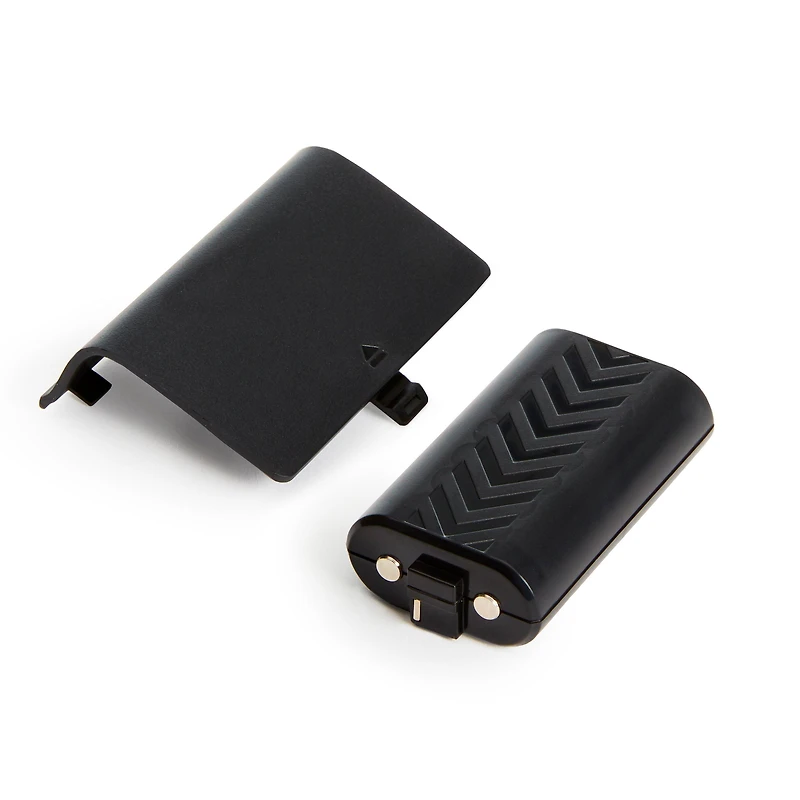
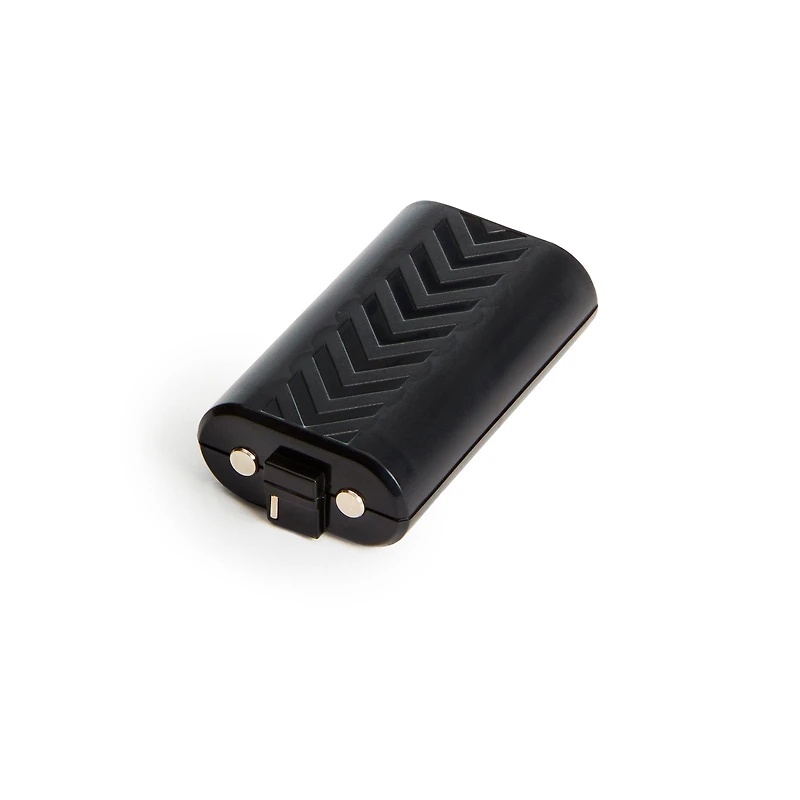
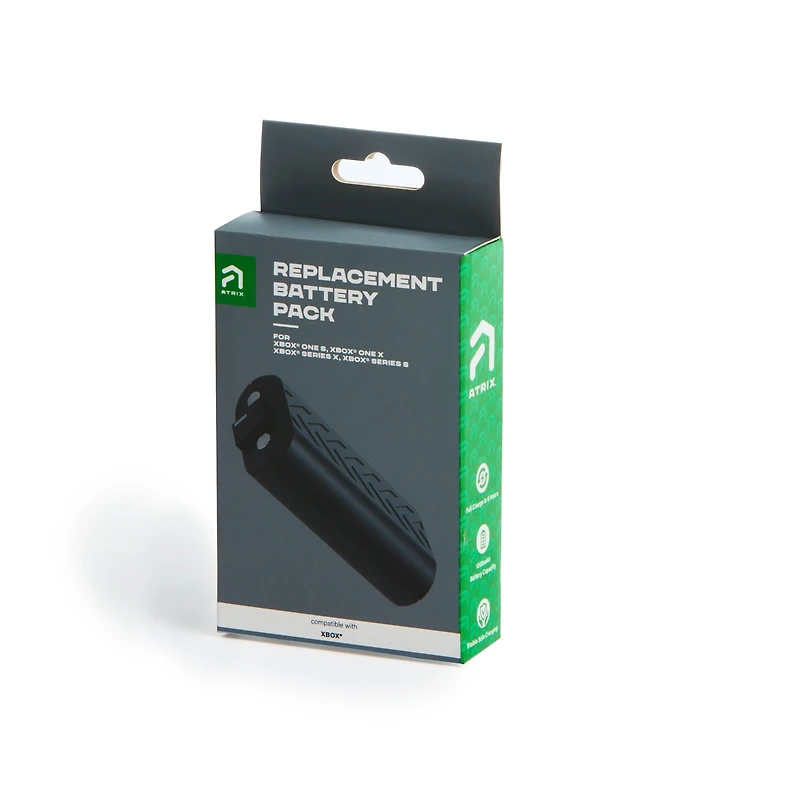
Atrix Rechargeable Battery Pack for Xbox One/Series X/S GameStop Exclusive in Franklin, TN
From Atrix
Current price: $7.98
Original price: $9.99
GameStop
Atrix Rechargeable Battery Pack for Xbox One/Series X/S GameStop Exclusive in Franklin, TN
From Atrix
Current price: $7.98
Original price: $9.99
Loading Inventory...
There’s nothing worse than getting the “Your Controller Has Been Disconnected” notification when you’re in the middle of an epic boss fight. With this Xbox Replacement Battery, you get longer playtime with one charge. In other words, more time winning the big brawl, less time wishing you had replaced your batteries.
IMPORTANT - Charging Tips:
Before first use, the battery must be charged for at least 6 hours. The battery may need to be charge/discharge a minimum of 5 times to achieve optimal performance. Follow the instructions below:
Step 1: Place the battery into the controller.
Step 2: Connect the charger cable to the USB port on the controller.
Step 3: Allow the controller to charge the battery for 5 minutes and then remove the charging cord. Repeat steps 2 & 3 for five times.
Step 4: Allow the battery pack to fully charge for 6 hours before first use.
CLICK TO DOWNLOAD MANUAL
CLICK TO DOWNLOAD BATTERY CHARGING GUIDE
- Brand Name: Atrix
- GameStop Exclusive: false
- Compatible Platforms: Xbox One, Xbox Series X, Xbox Series S
- Publisher Name: Atrix
There’s nothing worse than getting the “Your Controller Has Been Disconnected” notification when you’re in the middle of an epic boss fight. With this Xbox Replacement Battery, you get longer playtime with one charge. In other words, more time winning the big brawl, less time wishing you had replaced your batteries.
IMPORTANT - Charging Tips:
Before first use, the battery must be charged for at least 6 hours. The battery may need to be charge/discharge a minimum of 5 times to achieve optimal performance. Follow the instructions below:
Step 1: Place the battery into the controller.
Step 2: Connect the charger cable to the USB port on the controller.
Step 3: Allow the controller to charge the battery for 5 minutes and then remove the charging cord. Repeat steps 2 & 3 for five times.
Step 4: Allow the battery pack to fully charge for 6 hours before first use.
CLICK TO DOWNLOAD MANUAL
CLICK TO DOWNLOAD BATTERY CHARGING GUIDE
- Brand Name: Atrix
- GameStop Exclusive: false
- Compatible Platforms: Xbox One, Xbox Series X, Xbox Series S
- Publisher Name: Atrix
You May Also Like







More About GameStop at CoolSprings Galleria
A complete line of video and software entertainment programs and accessories. Merchandise includes Nintendo and Playstation; shoppers can experience the games before they buy.
1800 Galleria Blvd Suite 424, Franklin, TN 37067, United States
Find GameStop at CoolSprings Galleria in Franklin, TN
Visit GameStop at CoolSprings Galleria in Franklin, TN