
Home
Google Drive & Docs 30 Minutes: The unofficial guide to Drive, Docs, Sheets Slides
Barnes and Noble
Loading Inventory...
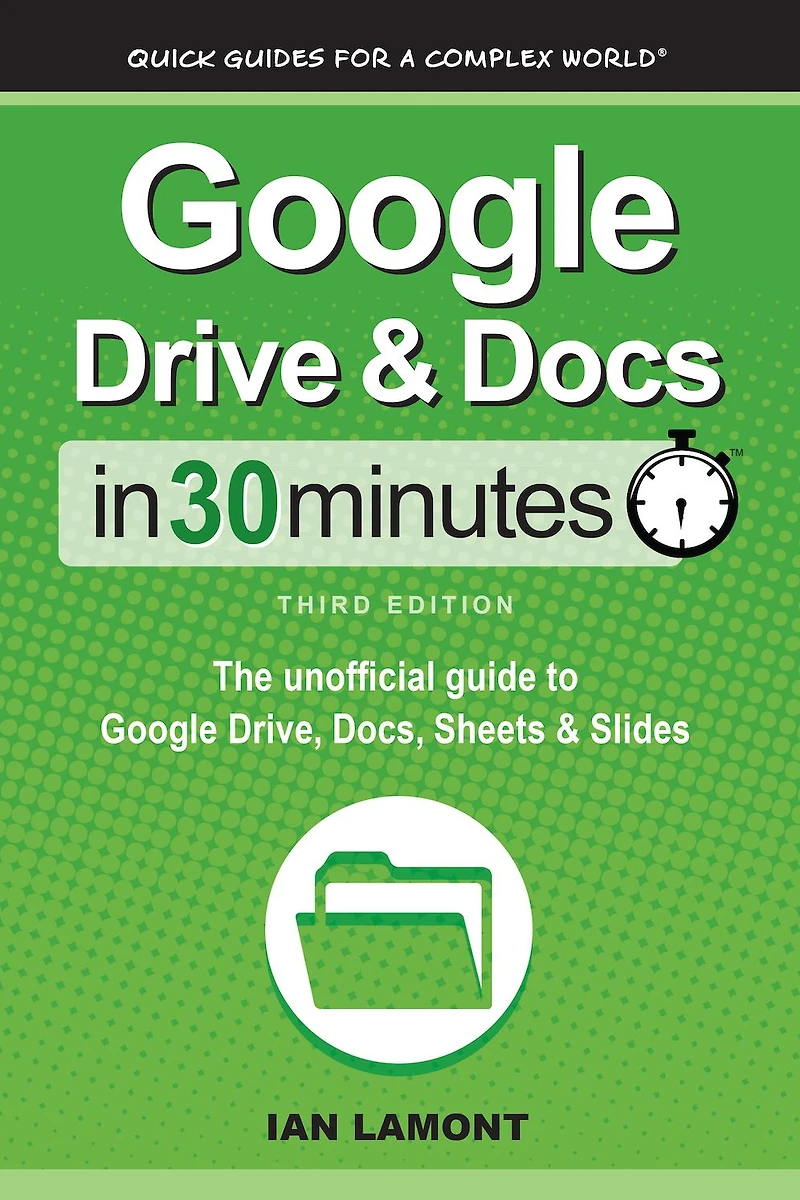
Google Drive & Docs 30 Minutes: The unofficial guide to Drive, Docs, Sheets Slides in Franklin, TN
By Barnes & Noble
Current price: $9.99
Barnes and Noble
Google Drive & Docs 30 Minutes: The unofficial guide to Drive, Docs, Sheets Slides in Franklin, TN
By Barnes & Noble
Current price: $9.99
Loading Inventory...
Size: EBook
Order the 3rd Edition of this popular Google Drive and Google Docs tutorial today! Do you have 30 minutes to spare? It's all you'll need to get up to speed with Google Drive, Google Docs, Google Sheets, and Google Slides, the free online productivity suite and Microsoft Office alternative. Millions of people use the software every day for personal Google accounts as well as Google Workspace accounts associated with a company, school, or other organization. You can use the Google applications to perform the following tasks:• Write reports and letters with Google Docs• Crunch numbers and create online surveys using Google Sheets and Google Forms• Give presentations with Google Slides• Collaborate online in real time with classmates and colleagues• Convert Microsoft Office documents to Google formats, and vice versa• Perform limited editing of Microsoft Word, Excel, and PowerPoint documents• Revert to earlier versions of files• Export PDFs• Make pie charts, bar charts, and simple drawings• Publish documents onlineThe third edition of this popular guide covers Google Drive basics as well as the updated desktop interfaces for Docs, Sheets, Slides, Forms, Sites, and Drawings. The tone of this Google Drive book is friendly and easy to understand, with lots of step-by-step instructions and examples and nearly 50 screenshots. The guide can be used by anyone with a PC, Mac, or Chromebook (note: mobile apps are not covered in this edition). In addition to serving as a solid introduction to new users, it's a great reference manual for more experienced users as well as for people making the transition from Microsoft Office, not to mention teachers using Google Drive for education and Google Docs in the classroom. It includes a glossary of keyboard shortcuts, as well as sections on document formatting, organizing and syncing files, offline documents, collaboration, and Office Compatibility Mode for Microsoft Office documents.
Order the 3rd Edition of this popular Google Drive and Google Docs tutorial today! Do you have 30 minutes to spare? It's all you'll need to get up to speed with Google Drive, Google Docs, Google Sheets, and Google Slides, the free online productivity suite and Microsoft Office alternative. Millions of people use the software every day for personal Google accounts as well as Google Workspace accounts associated with a company, school, or other organization. You can use the Google applications to perform the following tasks:• Write reports and letters with Google Docs• Crunch numbers and create online surveys using Google Sheets and Google Forms• Give presentations with Google Slides• Collaborate online in real time with classmates and colleagues• Convert Microsoft Office documents to Google formats, and vice versa• Perform limited editing of Microsoft Word, Excel, and PowerPoint documents• Revert to earlier versions of files• Export PDFs• Make pie charts, bar charts, and simple drawings• Publish documents onlineThe third edition of this popular guide covers Google Drive basics as well as the updated desktop interfaces for Docs, Sheets, Slides, Forms, Sites, and Drawings. The tone of this Google Drive book is friendly and easy to understand, with lots of step-by-step instructions and examples and nearly 50 screenshots. The guide can be used by anyone with a PC, Mac, or Chromebook (note: mobile apps are not covered in this edition). In addition to serving as a solid introduction to new users, it's a great reference manual for more experienced users as well as for people making the transition from Microsoft Office, not to mention teachers using Google Drive for education and Google Docs in the classroom. It includes a glossary of keyboard shortcuts, as well as sections on document formatting, organizing and syncing files, offline documents, collaboration, and Office Compatibility Mode for Microsoft Office documents.
You May Also Like













More About Barnes and Noble at CoolSprings Galleria
Barnes & Noble is the world’s largest retail bookseller and a leading retailer of content, digital media and educational products. Our Nook Digital business offers a lineup of NOOK® tablets and e-Readers and an expansive collection of digital reading content through the NOOK Store®. Barnes & Noble’s mission is to operate the best omni-channel specialty retail business in America, helping both our customers and booksellers reach their aspirations, while being a credit to the communities we serve.
1800 Galleria Blvd #1310, Franklin, TN 37067, United States
Find Barnes and Noble at CoolSprings Galleria in Franklin, TN
Visit Barnes and Noble at CoolSprings Galleria in Franklin, TN